WhatsApp Customer Support Tools
WhatsApp customer support tools turn one business number into a shared helpdesk: several agents on the same inbox, assignment rules, tags, canned replies, SLAs, and chatbot deflection for repetitive questions. Most also unify Instagram, Messenger, email, and live chat in the same view so a customer's history follows them across channels.
Reviewed by Mahmoud Ilyan · updated
WhatsApp Customer Support Tools compared
This page compares 9 support inboxes on starting price, markup on Meta's rates, official API status, and the standout feature. Prices are indicative as of September 2026.
| Tool | Best for | Starting price | Markup on Meta rates | Official API | Standout feature |
|---|---|---|---|---|---|
| Trengo | Mid-size omnichannel support | From ~$99/mo | No | BSP | Team inbox with rules, SLAs and internal notes across channels |
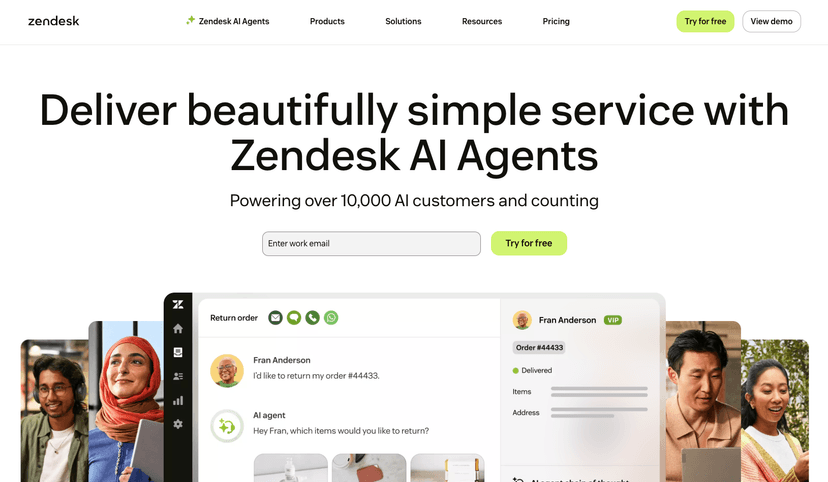
| Zendesk for WhatsApp | Enterprise ticketing | Zendesk Suite from ~$55/agent/mo | n/a | Via partner BSP | WhatsApp as a native ticket channel with full Zendesk workflows |
| Freshworks for WhatsApp | Freshdesk / Freshchat users | Freshchat from ~$19/agent/mo | n/a | Via partner BSP | Freddy AI bots deflect before an agent picks up |
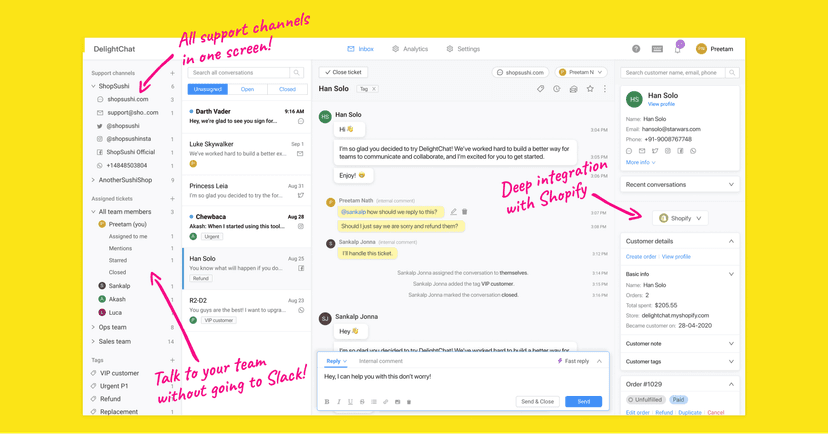
| DelightChat | Shopify support teams | From ~$49/mo | No | BSP | Order details beside every WhatsApp conversation |
| Bow Chat | Small teams on a budget | Paid tiers | n/a | Official API | Simple shared inbox with quick replies and labels |
| Respond.io | AI-routed multi-channel inbox | From ~$79/mo | No | BSP | AI assignment and summaries across every channel |
| WATI | Support plus marketing on one number | From ~$49/mo | Some plans | BSP | Shared inbox bundled with broadcasts and chatbot |
| Gallabox | CRM-linked support | From ~$40/mo | No | BSP | Contact record synced from HubSpot or Zoho in the inbox |
| SleekFlow | AI-first support | From ~$149/mo | No | BSP | AI agents answer from your knowledge base and CRM |
“Markup on Meta rates” = whether the vendor charges above Meta’s per-message price. “BSP” = Meta Business Solution Provider. Entries marked “our product” are built by the team behind this directory — full disclosure.
All Customer Support Tools
Zendesk for WhatsApp
FeaturedEnterprise customer service platform with native WhatsApp integration, ticketing system, and comprehensive analytics.
Freshworks for WhatsApp
AI-powered customer support with WhatsApp integration, automated workflows, and intelligent ticket routing.
Trengo
Unified customer communication platform with WhatsApp team inbox, automation, and multi-channel support.
DelightChat
Multichannel customer engagement platform with WhatsApp automation, team collaboration, and e-commerce integrations.

Robylon
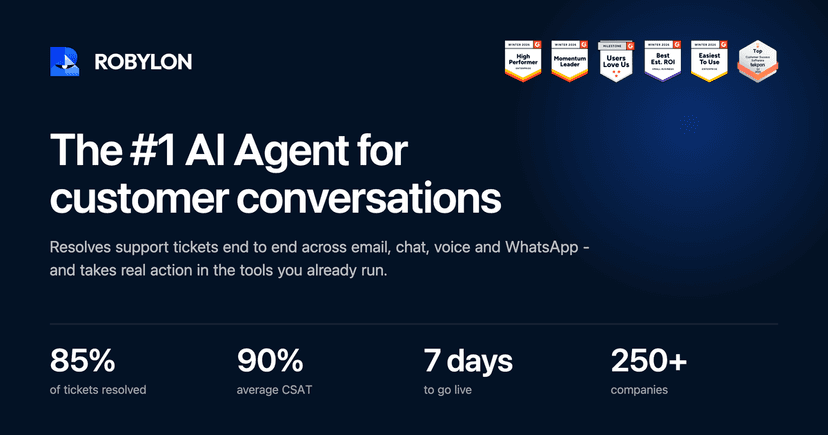
AI customer-support agents for email, chat, voice, and WhatsApp. Connects to helpdesk/CRM, completes real workflows, and escalates to humans with full context.
Botfay
Botfay unifies WhatsApp, Telegram and Instagram Direct into one shared inbox for business teams, with an AI assistant that answers routine questions instantly, qualifies leads, and hands off to a human agent whenever a conversation needs a personal touch.

Bow Chat
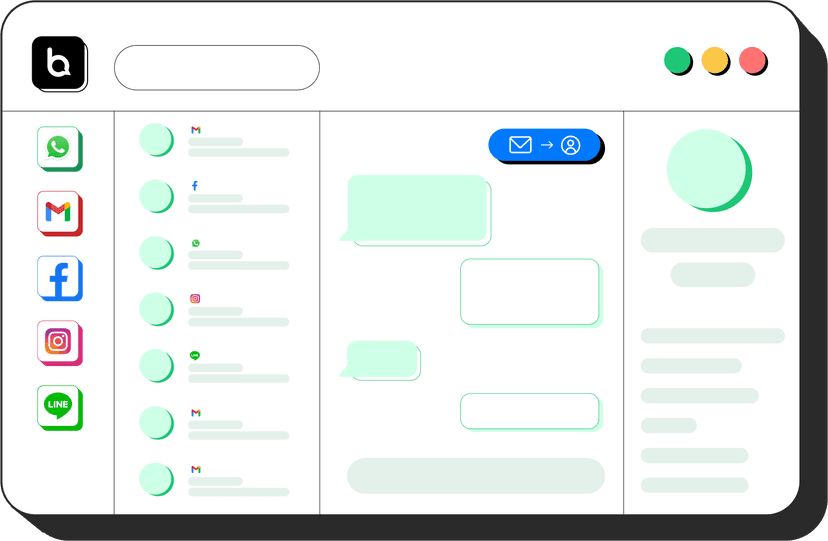
WhatsApp-first platform for sales, support, and operations teams with shared inbox, group monitoring, team ownership, lead leakage prevention, campaign reply tracking, and WhatsApp API calling workflows.
Guide to Customer Support Tools
WhatsApp customer support tools turn a single business number into a shared, trackable helpdesk. Instead of one phone passed around the team, agents get a collaborative inbox with assignment, tagging, canned replies, and automation — so customers get faster answers and nothing falls through the cracks.
Why a shared inbox beats a shared phone
A shared WhatsApp inbox lets multiple agents handle conversations from one number with clear ownership. You get assignment rules, internal notes, tags, and history, plus visibility into response times and volume. This is the difference between hoping messages get answered and knowing they are.
Features that matter for support teams
Support-focused tools blend human and automated handling: bots deflect FAQs, and anything they can't resolve routes to the right agent with full context.
- Multi-agent shared inbox with assignment and collision detection.
- Canned responses and templates for fast, consistent replies.
- Automated routing and chatbot deflection for common questions.
- SLA and response-time reporting to hold quality steady as you scale.
- CRM/helpdesk integration so WhatsApp isn't a silo.
When to add automation
Start with the shared inbox and canned replies, then layer automation once you see which questions repeat. Deflecting the top handful of FAQs with a simple bot usually cuts a large share of ticket volume without hurting customer experience, because real issues still reach a human quickly.
Frequently Asked Questions
What is a WhatsApp shared inbox?
A shared inbox connects one WhatsApp Business API number to several agents at once. Conversations are assigned, tagged, and tracked like tickets, with canned replies, internal notes, and reports on response time. It replaces passing a single phone around the team.
Can several people use one WhatsApp Business number?
Through the API, yes: the tools above let unlimited agents work the same number from a web or mobile app. The free WhatsApp Business app allows only a handful of linked devices and no assignment or reporting.
Do WhatsApp support tools work with Zendesk or Freshdesk?
Zendesk and Freshworks both offer native WhatsApp channels through partner Business Solution Providers, so WhatsApp chats become tickets in the helpdesk you already use. Standalone inboxes like Trengo or Respond.io replace the helpdesk instead of plugging into it.