WhatsApp Tools Directory: Compare the Best Apps by Category
WhatsApp tools are third-party software that adds automation, broadcast campaigns, AI agents, shared team inboxes, analytics, and ecommerce flows on top of WhatsApp Business, usually through the official Business API. This free directory compares them by category with pricing, markup on Meta rates, and what each is best for — reviewed by Mahmoud Ilyan.


Browse WhatsApp tools by category
Find the right WhatsApp business tool for the job — automation, marketing, chatbots, customer support, analytics, or ecommerce.
Advanced WhatsApp Business API tools for enterprise automation, CRM integration, and workflow management
Bulk messaging, campaign management, and WhatsApp marketing tools for reach and engagement
Shared inboxes, ticketing systems, and customer service automation tools
Shopping carts, payment processing, and online store integration for WhatsApp commerce
WhatsApp AI agents and chatbots: autonomous agents that learn from customer data, send personalized messages, qualify leads, and answer customers 24/7 on the official Business API.
Performance tracking, conversation analytics, and business intelligence tools
What WhatsApp tools do — by category
WhatsApp is the primary sales and support channel for millions of businesses, but the software around it splits into a few distinct jobs. Most teams need one or two of these, not all of them. Each category below links to a filtered list with features, pricing, and what every tool is best for.
WhatsApp automation tools
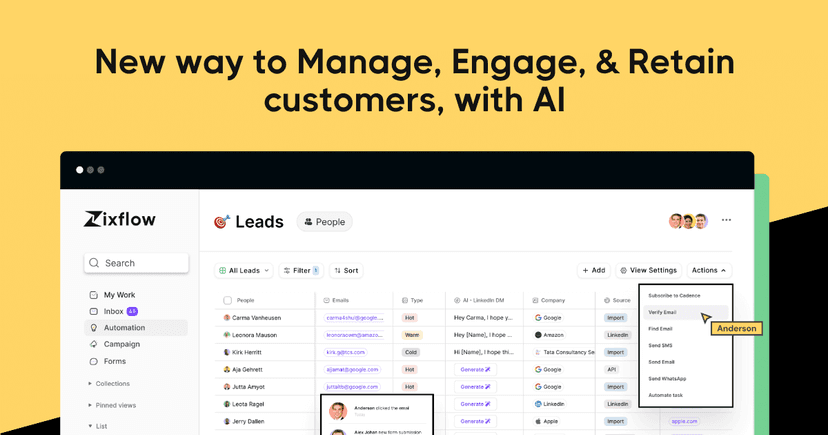
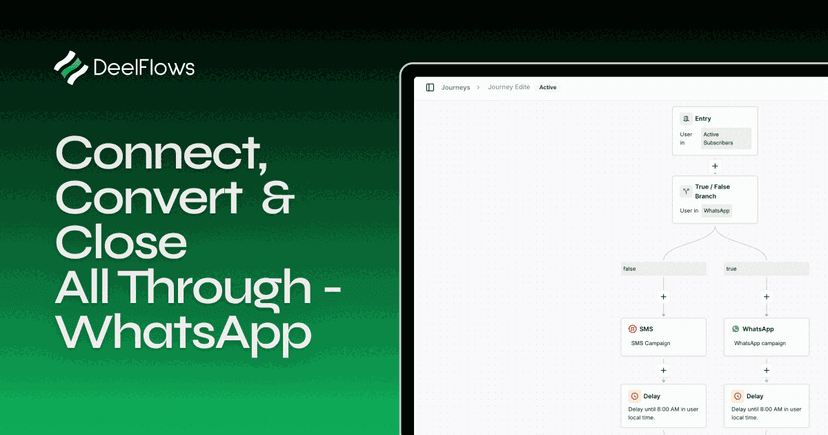
Built on the WhatsApp Business API, automation platforms connect WhatsApp to your CRM, helpdesk, or store and trigger messages from events: a new lead, an abandoned cart, a shipped order, a missed call. Look for visual flow builders, native integrations (HubSpot, Zapier, Shopify), template management, and multi-agent inboxes. Best for teams that want WhatsApp to run in the background without manual messaging.
WhatsApp marketing & broadcast tools
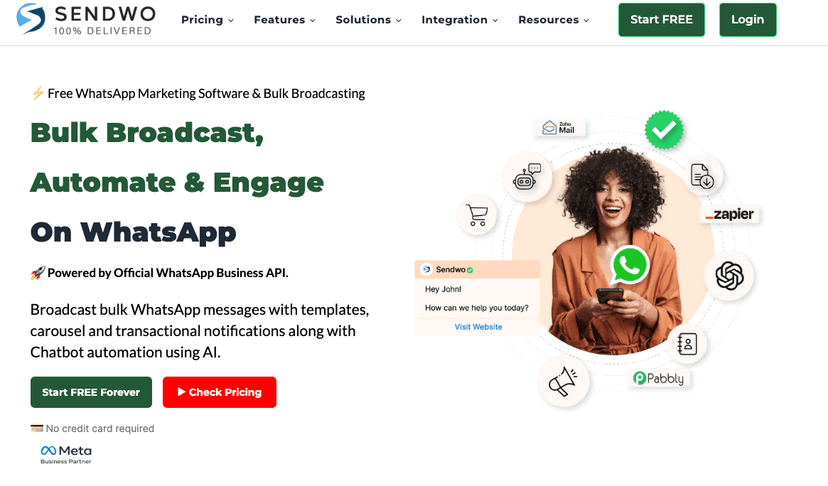
Broadcast tools send approved template campaigns to opted-in lists — launches, offers, restock alerts, drip sequences — and report opens, replies, and conversions. The important checks: official API (unofficial bulk senders get numbers banned), audience segmentation, scheduling, and transparent pass-through of Meta's per-message rates. Best for DTC brands and agencies running recurring campaigns.
WhatsApp customer support tools
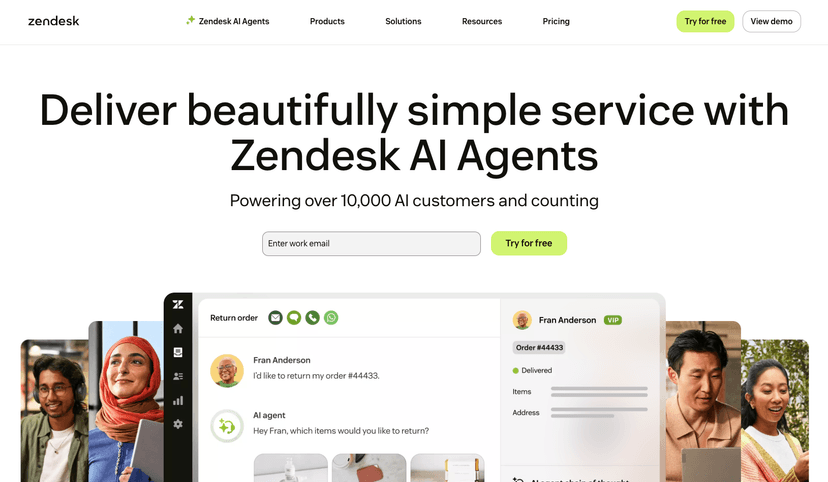
Shared-inbox products turn one WhatsApp number into a ticketing system: multiple agents, assignment rules, canned replies, SLAs, and chatbot deflection for repetitive questions. Many also unify Instagram, Messenger, and email in the same view. Best for support teams handling more conversations than one phone can manage.
WhatsApp ecommerce tools
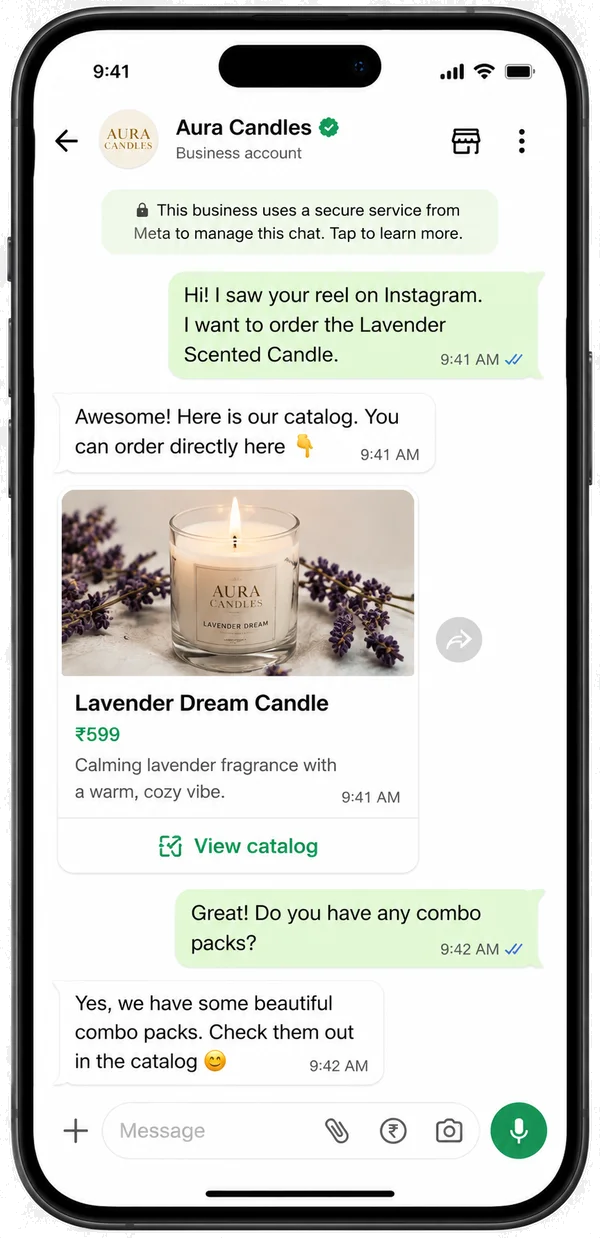
Store-focused tools plug into Shopify, WooCommerce, Salla, or Zid and handle the revenue-critical flows: cash-on-delivery order confirmation to cut return-to-origin losses, abandoned cart recovery, shipping updates, and catalog selling inside the chat. Best for merchants in COD-heavy markets and any store where WhatsApp is the customer's preferred channel.
Two smaller categories round out the directory: chatbot and AI tools that answer and qualify customers around the clock, and analytics tools that track delivery, response time, and campaign ROI across your whole WhatsApp channel.
Research, data, and alternatives
Sourced numbers and switching guides you can cite or use to shortlist faster.
Users, open rates, click rates, and COD/RTO data — every figure linked to its source.
Seven platforms compared on markup, automation depth, and regional fit.
Side-by-side pages for the most searched tool pairs.
See what cash-on-delivery returns cost you each month, free.
How to choose the right WhatsApp business tool
WhatsApp business tools help companies automate messaging, run marketing campaigns, support customers, and sell — all on the channel their customers already use every day. The category is broad: some tools are built on the official WhatsApp Business API for automation and CRM sync, others focus on broadcasts and drip campaigns, AI chatbots, shared team inboxes, analytics, or ecommerce flows like cash-on-delivery confirmation and cart recovery.
The best tool depends on your primary goal rather than the longest feature list. If you fight cash-on-delivery returns, prioritize order confirmation and RTO reporting. If you run campaigns, look for segmentation, template management, and deliverability safeguards. If you handle high support volume, a shared inbox with routing and chatbot deflection matters most. Across every category, confirm the tool uses the official WhatsApp Business API, integrates natively with your store or CRM, and prices transparently without a hidden markup on Meta's per-message rates.
Use this directory to compare WhatsApp business tools by category, read what each one is best at, and shortlist the few that fit your workflow before you start a trial.
WhatsApp tools: frequently asked questions
What are WhatsApp tools?
WhatsApp tools are third-party software products that add business capabilities on top of WhatsApp: automated replies and workflows, bulk broadcast campaigns, AI chatbots, shared team inboxes, analytics, and ecommerce flows like order confirmation and cart recovery. Most serious tools connect through the official WhatsApp Business API so you can send template messages at scale without risking a ban.
What are the best WhatsApp business tools in 2026?
It depends on the job. For automation and CRM sync, API-based platforms such as WATI, Respond.io, and Interakt lead the category. For marketing broadcasts, look at AiSensy or DoubleTick. For ecommerce stores fighting cash-on-delivery returns, purpose-built tools like DeelFlows (our own product) or Zoko focus on order confirmation and cart recovery. This directory compares each category so you can shortlist quickly.
Are there free WhatsApp tools?
Yes. Several vendors offer free plans limited by message volume or seats, and this site ships free utilities of its own: a WhatsApp link generator that builds wa.me click-to-chat links with a prefilled message, and an RTO cost calculator for cash-on-delivery stores. Filter the directory by the Free label to see tools with a permanently free tier.
Is there a WhatsApp tools app I can install on my phone?
The WhatsApp Business app itself is free on iOS and Android and covers basics like a catalog, quick replies, and labels. Tools in this directory go further: most run in the browser and pair with a WhatsApp Business API number, and many also offer mobile apps for agents to answer chats on the go.
What is the difference between the WhatsApp Business app and the Business API?
The free WhatsApp Business app is for one person on one phone. The WhatsApp Business API (also called WhatsApp Business Platform) is for teams and software: multiple agents, automation, chatbots, and bulk template messages, billed per message by Meta (since July 2025). From 1 October 2026, service replies inside the 24-hour customer service window are also charged per message after a free allowance of 1,000 per phone number per month. Almost every tool listed here is built on the API.
Can I send bulk messages with WhatsApp tools without getting banned?
Only through the official Business API with approved message templates and opted-in contacts. Unofficial bulk senders that automate the regular app violate WhatsApp's terms and get numbers banned quickly. Every marketing and broadcast tool in this directory is checked for official API usage before listing.
How much do WhatsApp business tools cost?
Two parts: the tool's subscription (typically free to $50 per month for small teams, rising with seats and volume) plus Meta's per-message fees, which vary by country and by category (marketing, utility, authentication). From 1 October 2026, service messages inside the 24-hour window are billed at the utility rate after the first 1,000 per number each month; the 72-hour free entry point from Click-to-WhatsApp ads stays free. Prefer tools that pass Meta's rates through without a hidden markup.